Product Features
Discover the powerful features that make Annotica the leading choice for creative teams and review workflows.
What is Annotica?
Annotica is an online proofing platform that enables creative teams to review, annotate, and approve visual assets in one centralized workspace. It supports images, PDFs, videos, spreadsheets, and documents with in-context annotations, version control, and automated approval workflows. Unlike traditional review methods that rely on email chains and scattered feedback, Annotica provides a single source of truth for all creative reviews.

Advanced Annotation Capabilities
Create precise annotations with our comprehensive toolset designed for any annotation need.
Seamless Feedback System
Provide detailed feedback and make review decisions with our intuitive commenting tools.
- Rich Text Comments
Add detailed comments with formatting options
- Speech-to-Text
Dictate comments using our advanced speech recognition
- Quick Review Decisions
Approve or reject with one-click actions
- Comment History
Track all feedback in a chronological timeline
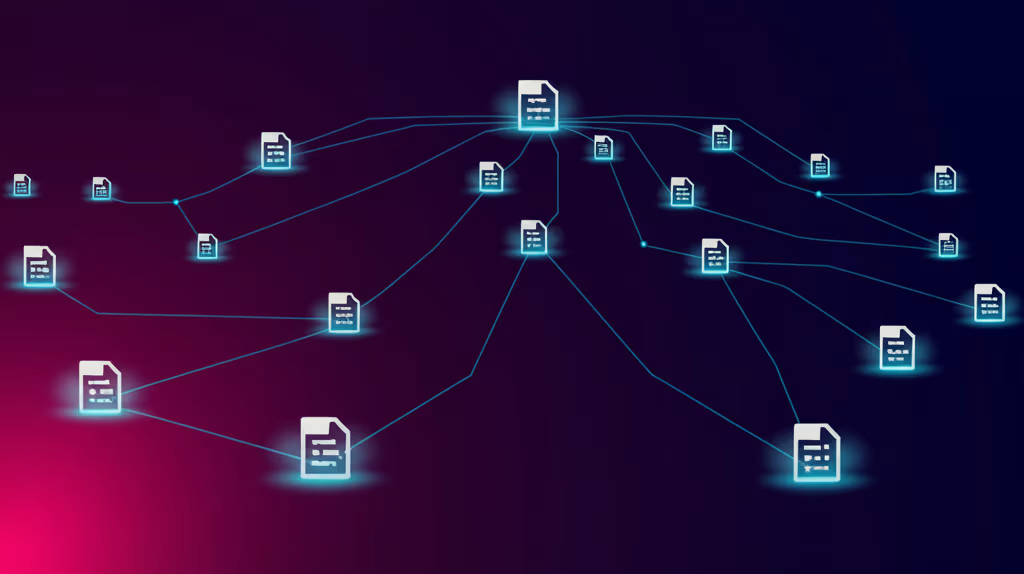
Annotate Any File Type
Our platform supports a wide range of file types, allowing you to annotate all your data in one place.
Role-Based Access Control
Assign specific roles to team members with customized permissions for each project.
- Admin Role
Full control over projects, users, and settings
- Reviewer Role
Approve or reject annotations with detailed feedback
- Annotator Role
Create and edit annotations on assigned files
- Viewer Role
View-only access to specific projects or files
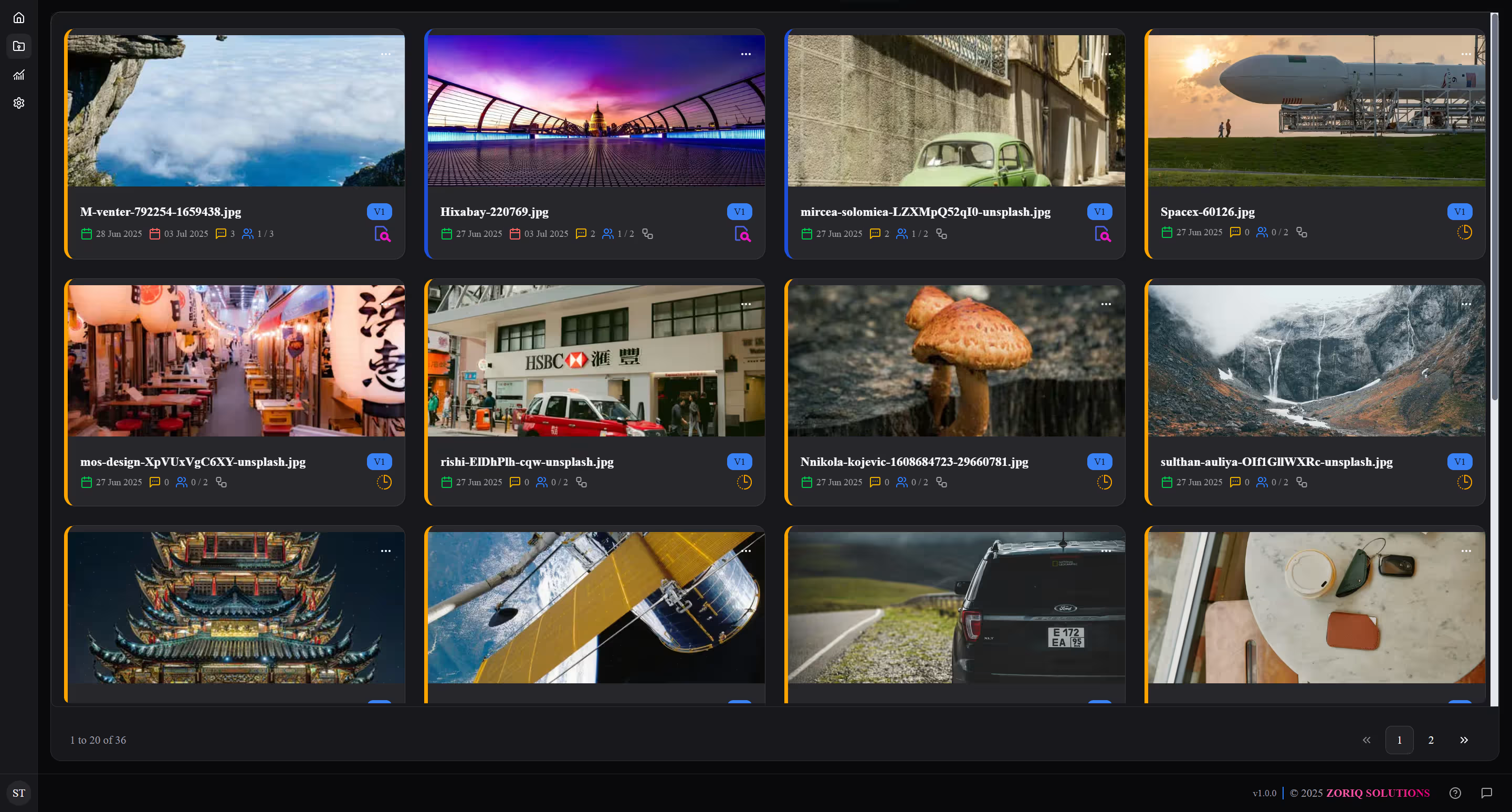
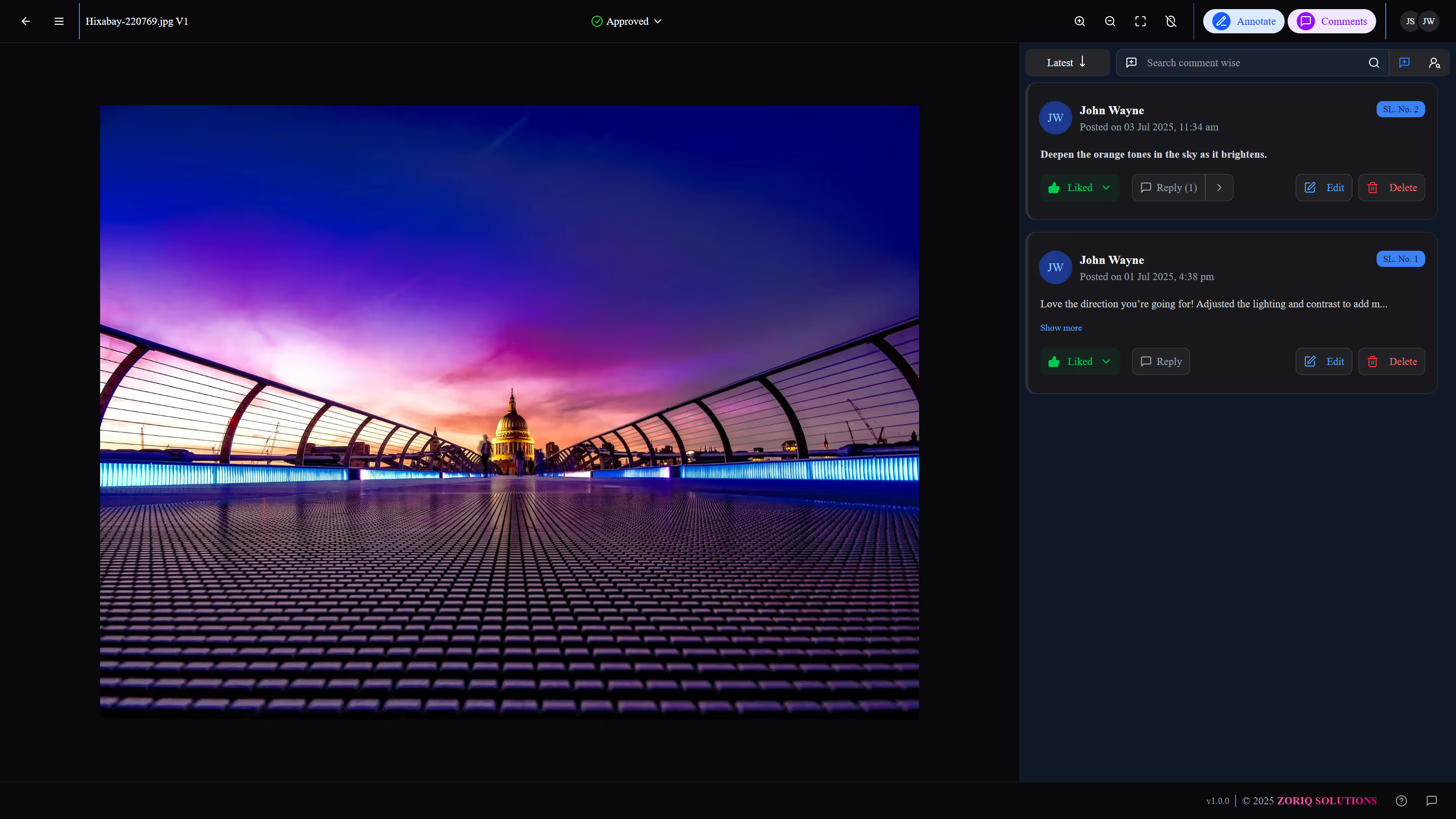
Streamlined Review Process
Our comprehensive review workflow enables efficient quality control with approval and rejection capabilities.
- Approval Workflow
Quickly approve annotations that meet quality standards
- Rejection with Feedback
Provide detailed feedback when rejecting annotations
- Status Tracking
Monitor the status of all annotations in real-time
- Quality Metrics
Track quality metrics across projects and annotators
Additional Powerful Features
Explore more capabilities that make Annotica the complete solution for your annotation needs.
Version Control
Create and manage multiple versions of annotations with complete history tracking.
- Track all changes to annotations
- Compare different versions side by side
- Restore previous versions when needed
- Audit trail of all annotation changes

Ready to Experience These Features?
Start using Annotica today and transform your annotation workflow.